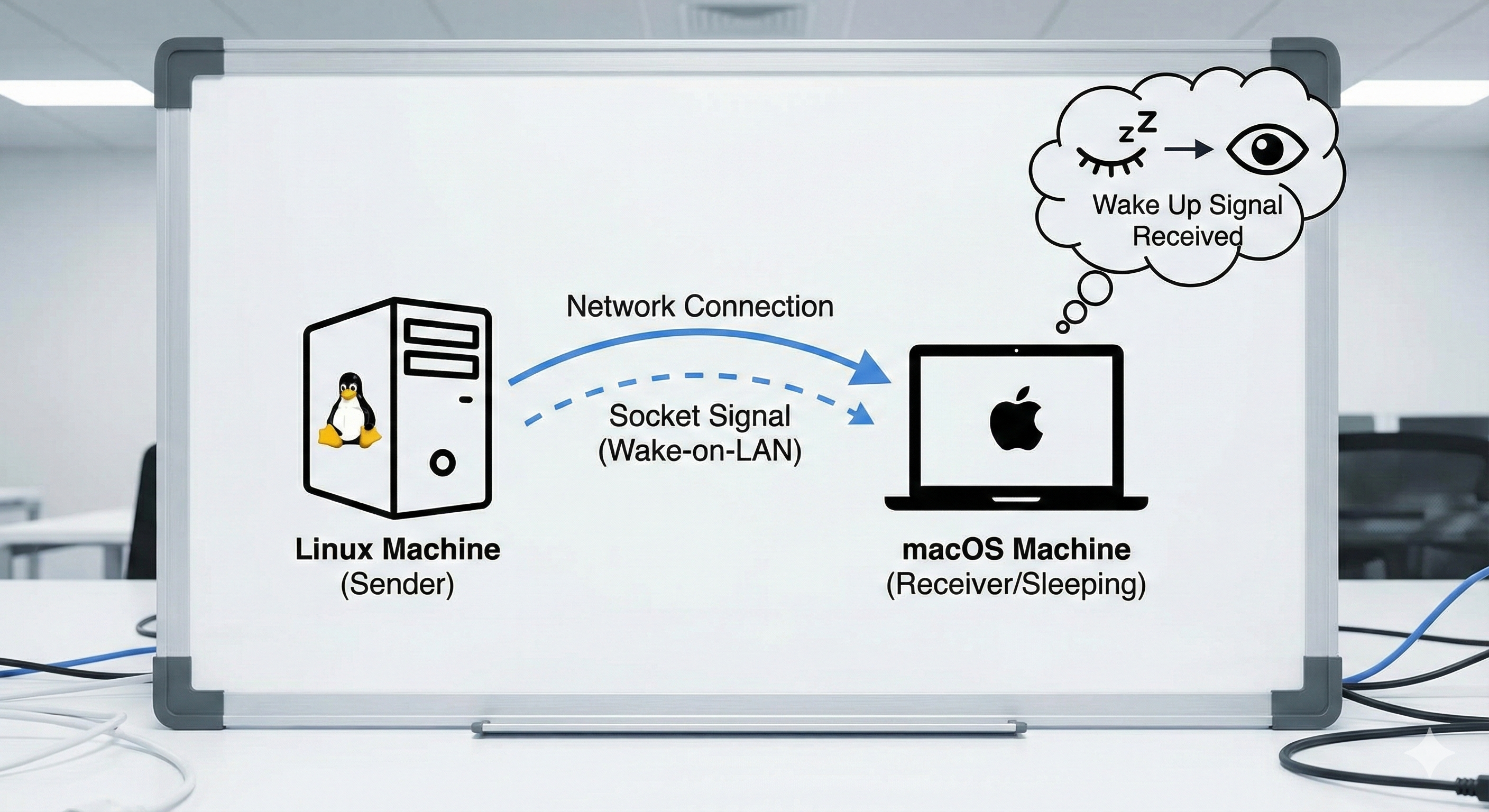
When MacOS goes into the sleep mode, the connection to outside is nearly all broken, including the SSH connection and the remote control (e.g., with AnyDesk), etc. This post is about how we can work around this – when we are remote, to connect to the sleeping MacOS, we need to first wake it up, but the problem is if we don’t have any connection to the machine, how we can wake it up?
To get around with this, we need another machine in the same local networkd as the MacOS machine we are trying to wake up. For example, the helper machine can be running Linux and usually we will always have SSH access to the Linux machine even when it falls into the sleep mode. The thing we want to do is to send the wakeup signal from the Linux machine to the MacOS machine through LAN (Local Area Network). First, we can SSH into the Linux machine. Then, we can prepare a Python script like below,
import socket
import struct


def send_wake_on_lan(mac_address, hostname):
    if len(mac_address) != 17 or mac_address.count(':') != 5:
        raise ValueError(f"Incorrect MAC address format: {mac_address}")

    mac_address = mac_address.replace(':', '')

    magic_packet = b'\xFF' * 6 + bytes.fromhex(mac_address) * 16

    try:
        with socket.socket(socket.AF_INET, socket.SOCK_DGRAM) as sock:
            sock.setsockopt(socket.SOL_SOCKET, socket.SO_BROADCAST, 1)
            broadcast_address = socket.gethostbyname(hostname)
            sock.sendto(magic_packet, (broadcast_address, 9))
        print(f"Magic packet sent to {hostname} with MAC {mac_address}")
    except Exception as e:
        print(f"Failed to send magic packet: {e}")


mac = "MAC_ADDRESS"
host = "macos_hostname"
send_wake_on_lan(mac, host)
Here I am leaving out the MAC address and host name for my MacOS machine and for sure we need to replace them with the specifics of our MacOS machine. To obtain the MAX address, we can go to System Settings \(\rightarrow\) Network \(\rightarrow\) Ethernet 1 (this is just the name of my ethernet network, which may be different case by case) \(\rightarrow\) Details... \(\rightarrow\) Hardware. Then we can see the MAC address there. The macos_hostname can be replaced with the domain name assigned to our MacOS machine. If we don’t have a domain name, we can use the IP address (both local and global IP should work since the Linux and MacOS machines are supposed to be in the same local network). The script can be executed with a certain Python installation. After the sript execution, the wake signal sent through LAN will wake up the MacOS machine, only partially – we can now connect to the MacOS machine through SSH but still the remote connection, etc. may not work. But we are closer, and the next step will be to SSH into the MacOS machine. Then, we want to use the command caffeinate -u to fully wake up the machine.